



5 ways to use Octave that you probably haven't tried yet
16 May, 2026
If you've been using Octave for a while, you probably already know its basic features: the shared family calendar, task lists and meal planning, among others. If these features are already changing your daily life for the better, know that our virtual family assistant can do even more to help. Here are five ways to use the app that you may not have explored yet, and that could very well change how you use it.
1. Create a rewards system for the kids
Presenting chores as a game is certainly one of the most effective strategies for motivating kids, and Octave can help you pull it off simply and efficiently. The trick is easy: in the description of each task assigned to a child, indicate its value in tokens using an emoji (for example ⚪️ for one token or ⚪️⚪️ for two). At the end of the week, take the time to review the completed tasks, count the tokens earned and simply add them to each child's token stash. These can then be traded for privileges or rewards that you've added to your General Store: a fun, effective way to encourage cooperation!
2. Document routines so everyone follows them the same way
Have you ever spent an evening explaining the exact bedtime routine to your partner, the babysitter or the grandparents? Octave lets you document your routines in detail (steps, responsibilities, schedule) and make them easily accessible to every family member. That way, the evening routine goes the same way whether it's you, your partner or any other trusted person handling it: fewer explanations to repeat, fewer changes and, most of all, more consistency for the kids, who generally cooperate better when the landmarks are stable and predictable.
3. Plan vacations and long stretches of family time
Octave isn't just useful for managing the ordinary week; it's also a valuable tool for planning long stretches of family time like summer, the holidays or spring break. Create events for each week of the summer, assign someone to look after the kids, note camp information (addresses, contacts, required supply lists) and centralize receipts and important documents. The whole family can see the plan in real time, and no one ends up frantically searching for the camp confirmation email on the morning of the first day!
4. Use Octave as a communication tool in shared-custody families
In families where kids split their time between two homes, coordination can quickly become a source of tension. Octave lets both parents access the same calendar, see the kids' activities and planned transitions between homes, and assign tasks or responsibilities visible to both sides, without having to talk directly about every little logistical detail. The information is there, accessible and updated in real time: fewer misunderstandings, less friction and, most of all, more energy for what really matters.
5. Create smart grocery lists linked to your meal planning
If you plan your meals for the week, or even if you're just trying to start, Octave can definitely become your best ally at the grocery store. Create a grocery list directly linked to your planned meals, assign the shopping to whoever will be going this week, and check off items in real time from your phone as you walk the aisles. No more having to remember what you need, no more duplicates and no more emergency trips back to the store on Wednesday night. And if your partner is at the store while you're elsewhere, you can add items to the list in real time from your own phone!
Where to start?
If you've never used any of these five ideas, start with just one, the one that meets the most pressing need in your family right now. The goal isn't to use Octave at full capacity starting tomorrow, but to gradually discover how the app can adapt to your particular reality and become a valuable ally in your family organization!
Put these tips into practice
Get the whole family organized with Octave
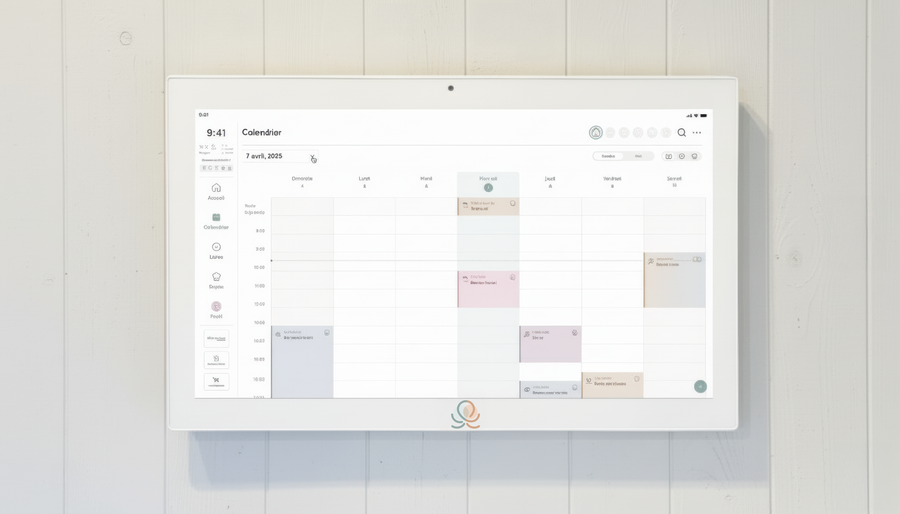
Meals, chores, the calendar and routines for the whole family in one place: on everyone's phone and on the Station on your wall.
The app is free on iOS and Android.